
Authorization
Any web page can ask the extension to start a pick. The real safeguard is your presence — nothing is produced unless you actively hover, click an element, and confirm. On top of that, you choose an extension-wide authorization mode on the options page. The calling site can never set it.
Open the options page from the popup → Manage authorized sites.
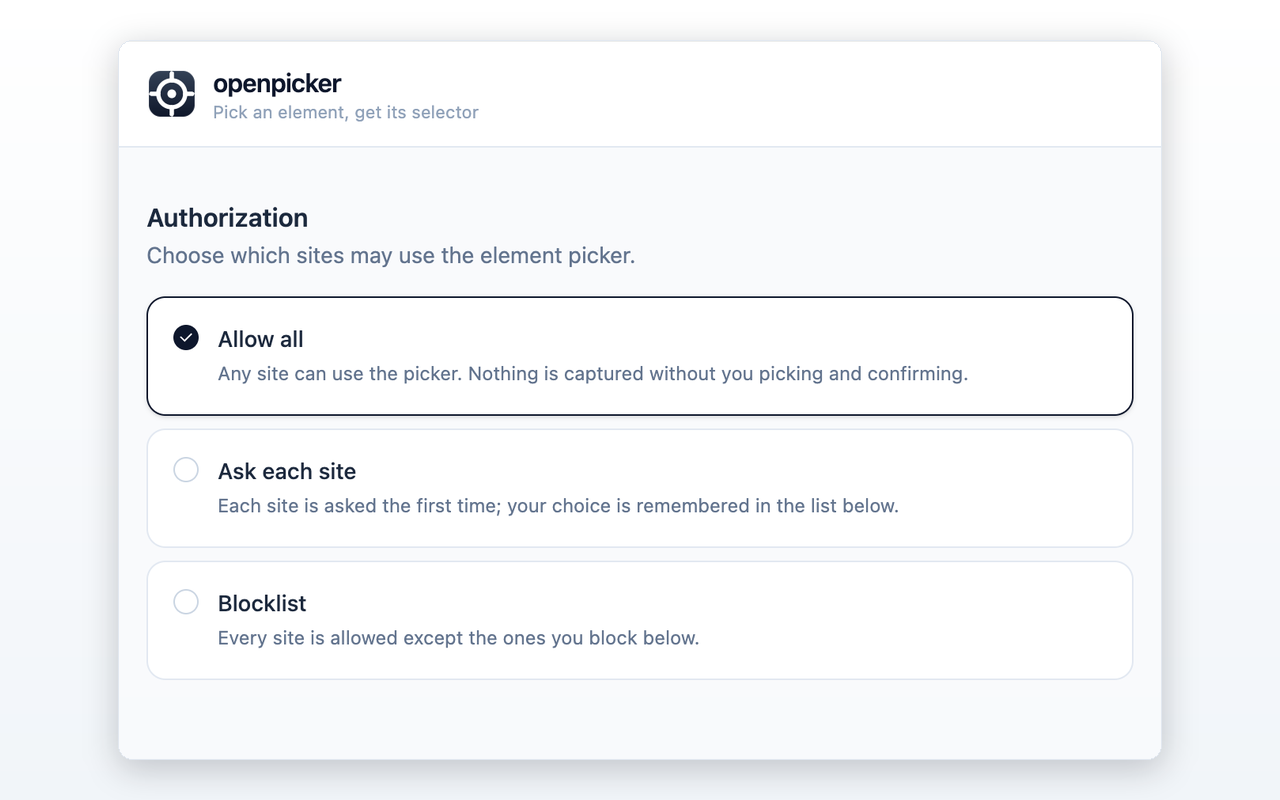
Modes
| Mode | Behavior |
|---|---|
| Allow all (default) | Any site may launch the picker. No prompt — your presence is the gate. |
| Ask each site | The first time a site calls, you're asked to Allow or Block. Your choice is remembered. |
| Blocklist | Every site is allowed except the ones you block. |
A blocked site's pick request is rejected with a consent_denied error.
Managing sites
In Ask or Blocklist mode, the options page lists your decisions per origin. You can:
- Allow or Block a site by hand (enter its origin, e.g.
https://example.com). - Toggle an existing decision, or Reset / Unblock to remove it.
In Allow all mode there's nothing to manage — the list is hidden.
Notes
- Toolbar picks are always allowed — they're started by you from the popup, not by a site, so no mode applies.
- Trust boundary — a page-supplied app name is shown for context only and is never trusted for authorization; only the verified page origin matters.
- No silent capability — the extension never auto-injects vendor code or runs page code beyond what a pick explicitly does.