
SDK
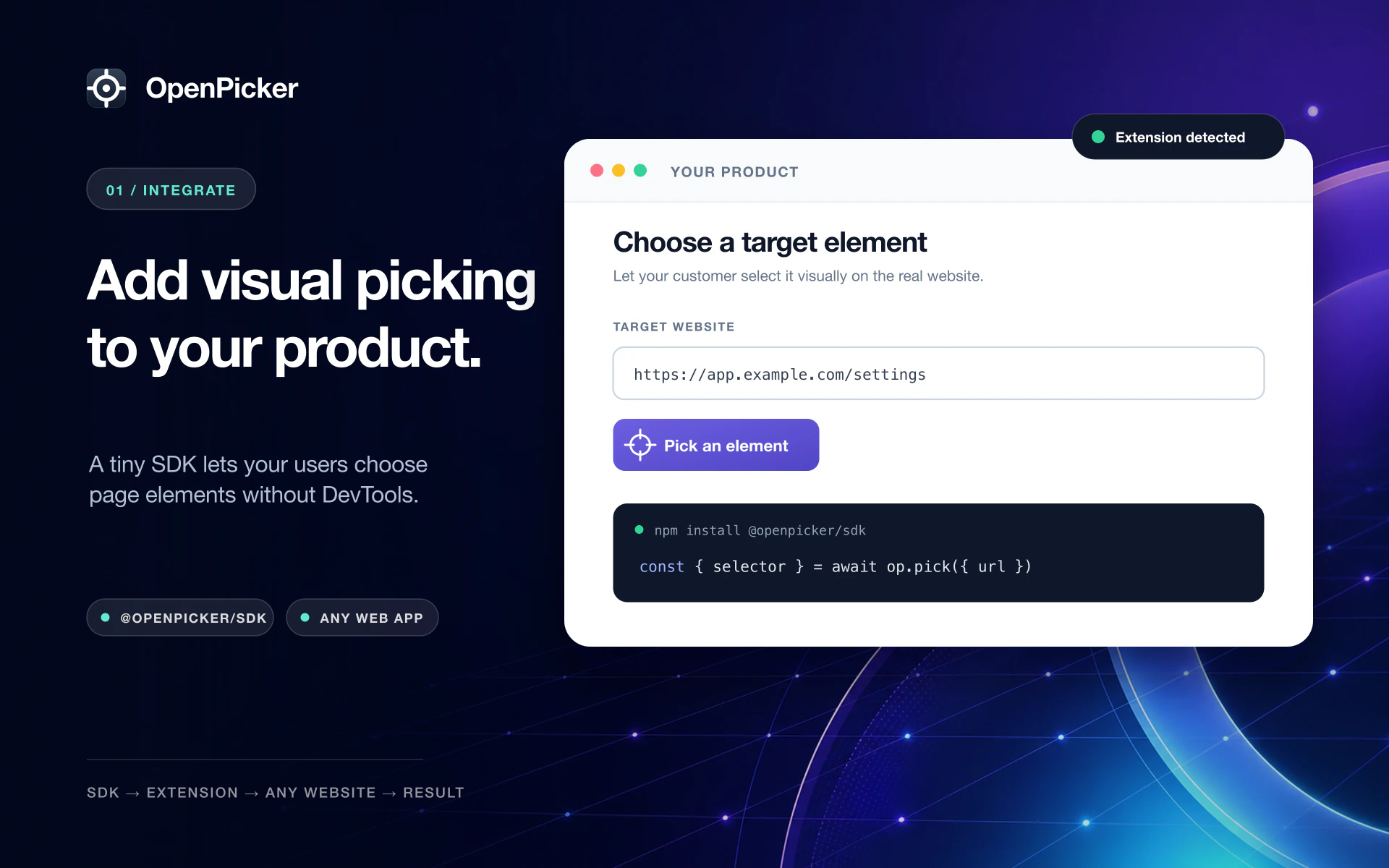
@openpicker/sdk is a tiny, dependency-free client. It does not draw any UI — it starts a pick and awaits the result; the extension owns the picker overlay and the cross-tab routing.
npm install @openpicker/sdkQuick start
import { createOpenpicker, OpenpickerError } from "@openpicker/sdk"

const op = createOpenpicker({ appName: "My App" })

if (!(await op.isAvailable())) {
  // prompt the user to install the OpenPicker extension
}

try {
  const { selector, matchCount, element, screenshot } = await op.pick({
    url: "https://app.example.com",
    screenshot: "element",
  })
  console.log(selector, `(matches ${matchCount})`, element)
} catch (err) {
  if (err instanceof OpenpickerError && err.code === "cancelled") {
    // the user closed the picker
  } else {
    throw err
  }
}
How it works
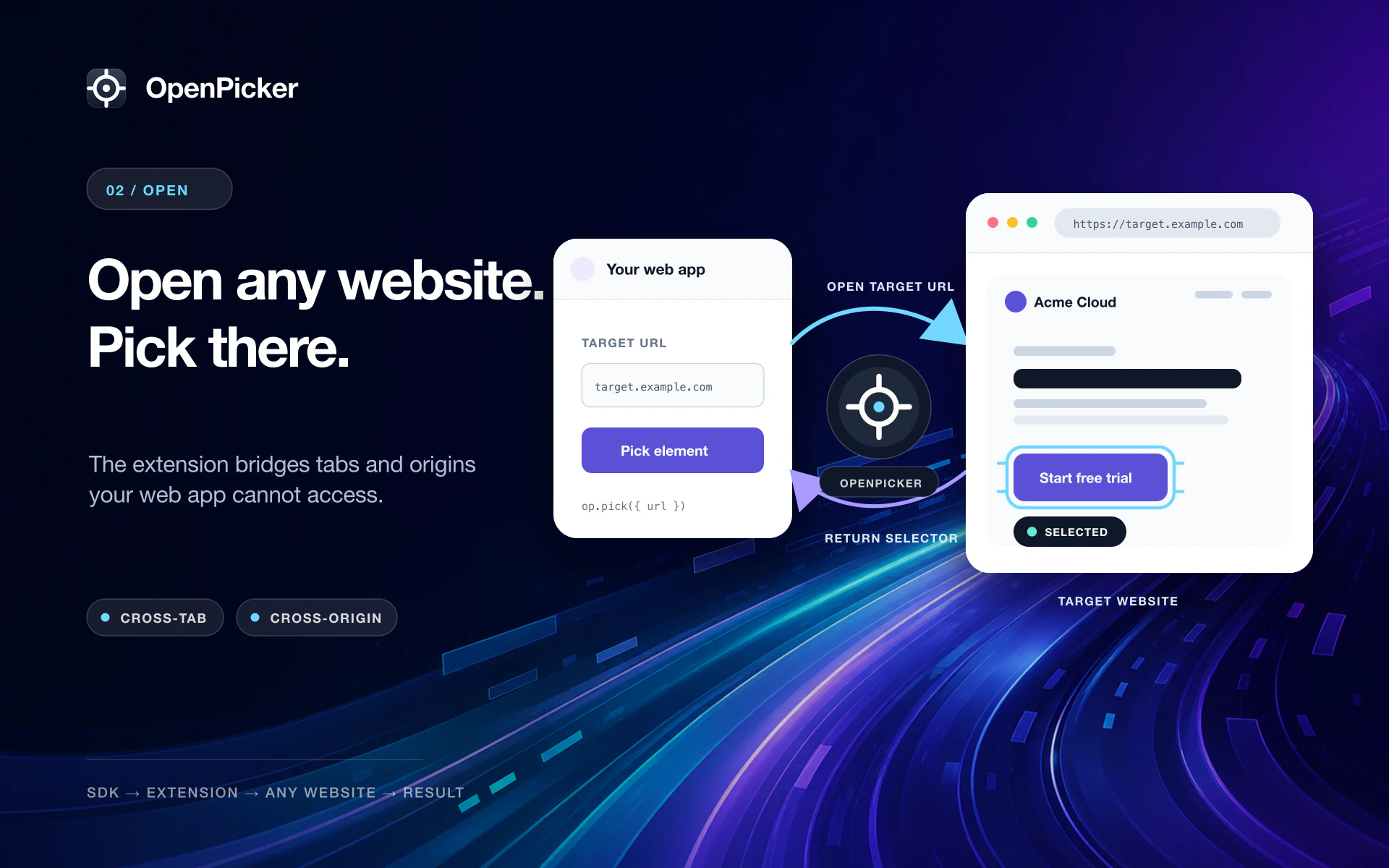
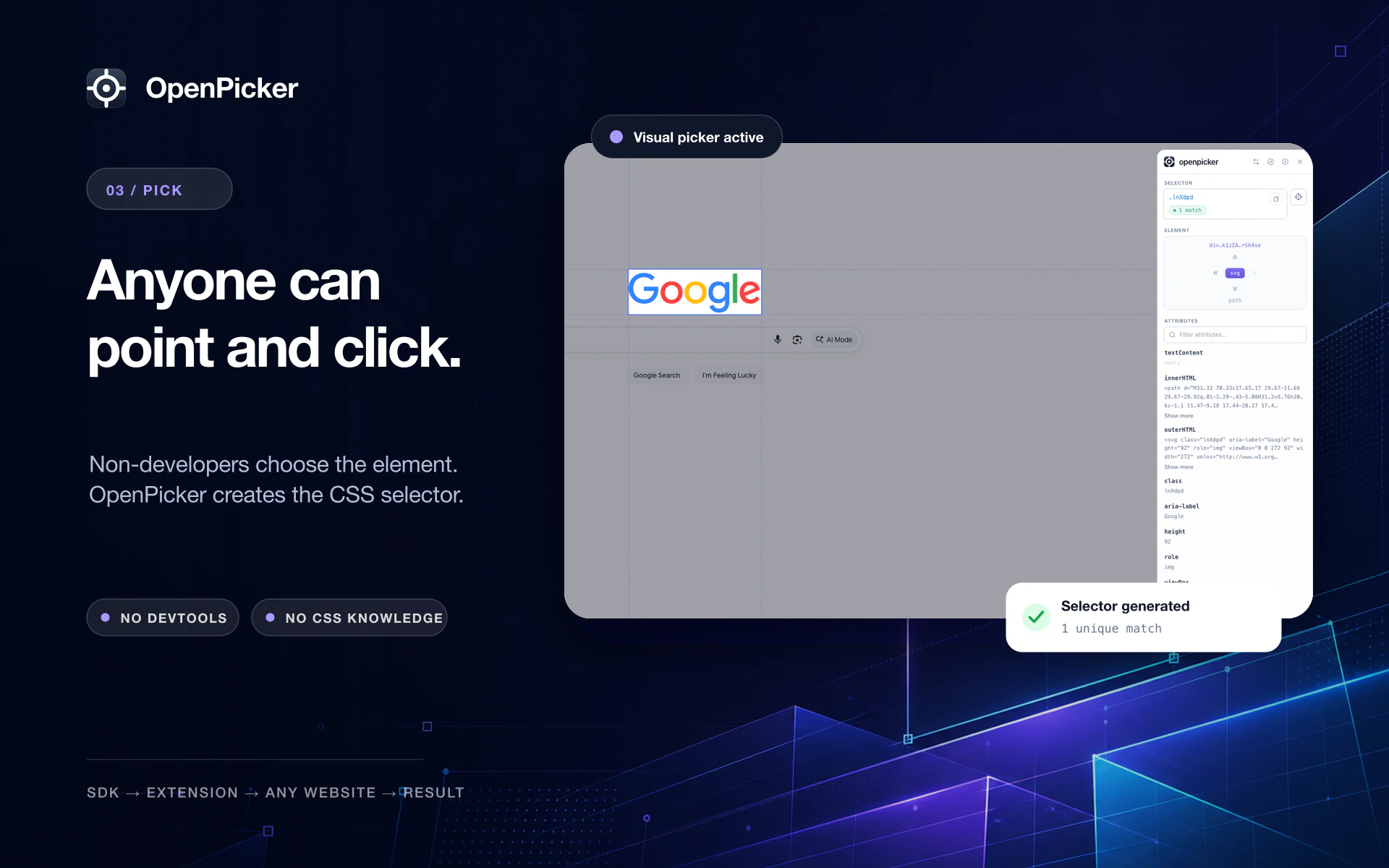
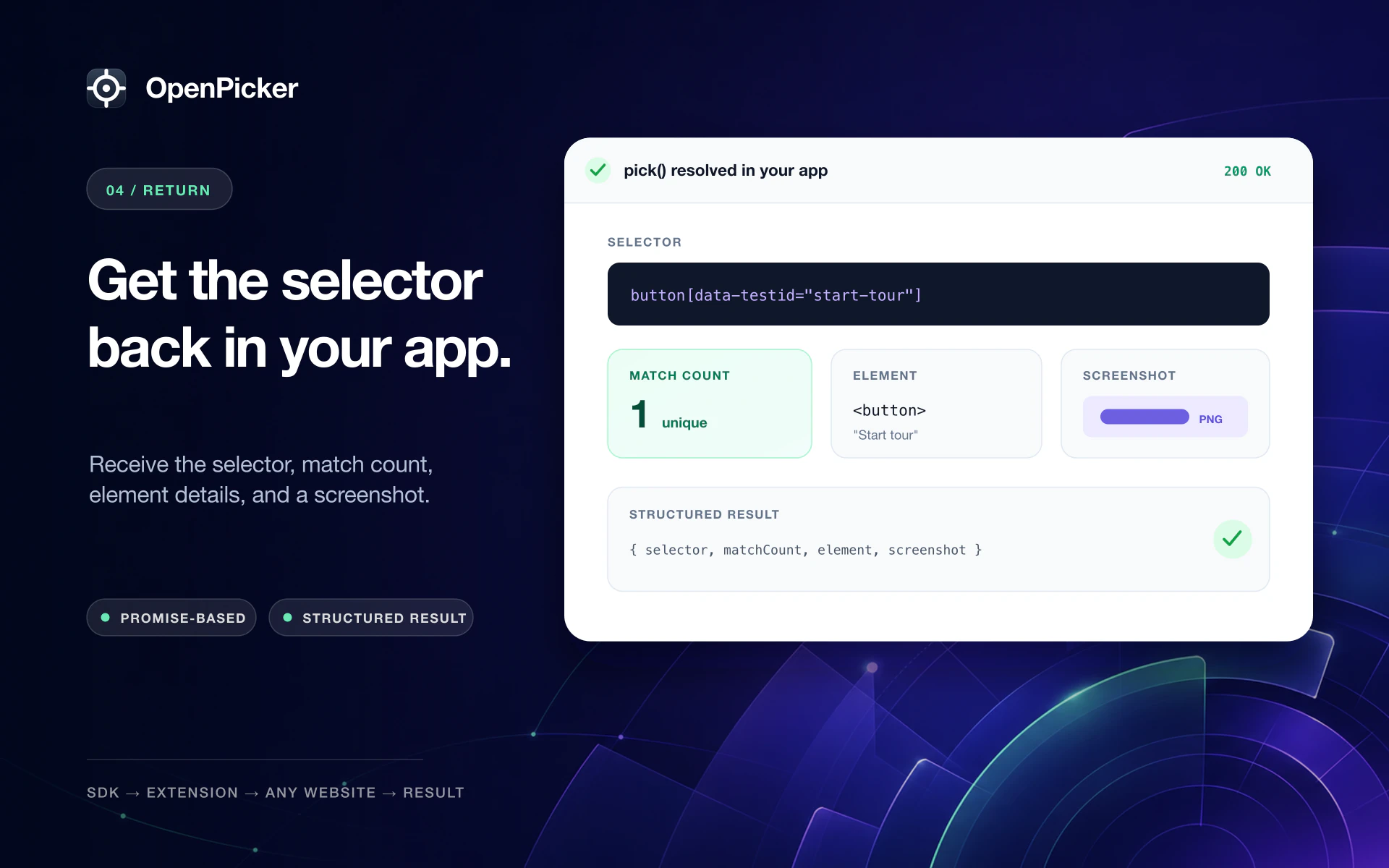
Your app calls op.pick({ url }); the extension opens the URL, the user points at any element on the real page, and the selector is routed back — no DevTools, on any web app.
createOpenpicker(options?)
Returns an Openpicker handle.
| Option | Type | Default | Description |
|---|---|---|---|
appName | string | — | Display name shown to the user (informational, never trusted). |
pingTimeout | number | 1500 | ms before ping assumes the extension isn't installed. |
defaultTimeout | number | 3000 | ms for quick ops (cancel / highlight / clearHighlight). |
targetWindow | Window | window | Window to communicate over. |
Methods
| Method | Returns | Description |
|---|---|---|
ping() | PingResult | Probe the extension; negotiate version & capabilities. |
isAvailable() | boolean | true if the extension responds to a ping. |
pick(params) | PickResult | Open params.url, let the user pick there, resolve with the result. |
cancel() | void | Cancel an in-flight pick (it rejects with cancelled). |
highlight(selector) | HighlightResult | Highlight matches of a selector without entering pick mode. |
clearHighlight() | void | Remove any active highlight. |
activateSelf() | void | Bring the calling tab to the foreground (a tab can only focus itself). |
isTargetOpen() | boolean | Whether the cross-tab target tab this tab opened is still open. |
destroy() | void | Stop listening and reject any in-flight requests. |
pick(params)
| Field | Type | Description |
|---|---|---|
url | string (required) | Page to open and pick in. Omitting it rejects with invalid_params. |
screenshot | "none" | "element" | "viewport" | Screenshot to include. Defaults to "none". |
key | string | Opaque task id; decides whether a later pick reuses the target tab. |
appName | string | Overrides the instance appName for this call. |
selector | SelectorConfig | Selector-generation rules for this pick (composed with the user's). |
lockSelectorSettings | boolean | Show the gear rules read-only. Default false. |
lockSelectorEdit | boolean | Make the selector field read-only. Default false. |
requireUniqueMatch | boolean | Allow confirm only when the selector matches exactly one element. Default false. |
mustMatch | string | A CSS selector the picked element must match. Non-matching elements aren't selectable (hovering snaps to the nearest matching ancestor); an invalid value rejects with invalid_params. |
Two axes. mustMatch constrains which element can be picked; selector constrains how its selector is built. They're independent and compose — e.g. "only inputs, identified by id":
op.pick({
  url,
  mustMatch: "input, textarea, select, [contenteditable]",
  selector: { class: { enabled: false }, attr: { enabled: false }, tag: { enabled: false } },
})
SelectorConfig — per anchor type (id / class / attr / tag), all optional:
{ id?: SelectorAnchorConfig; class?: …; attr?: …; tag?: … }
// SelectorAnchorConfig: { enabled?: boolean; allow?: string /* regex */; ignore?: string /* regex */ }
selector composes with the user's saved rules — each layer can only narrow. See Configuring selectors.
PickResult
{
  selector: string
  matchCount: number
  element: { tag: string; id?: string; classes: string[]; text?: string; attributes: Record<string, string> }
  screenshot?: string // data: URL, present only when requested
}
pick is cross-tab only — see Cross-tab picking. Error codes are listed in Errors.
matchesSelectorConfig(selector, config)
Returns whether a selector only uses anchors permitted by a SelectorConfig. The user can hand-edit the returned selector (unless you set lockSelectorEdit), so validate it against your rules:
import { matchesSelectorConfig } from "@openpicker/sdk"

const cfg = { attr: { allow: "^data-step$" }, tag: { enabled: false } }
const { selector } = await op.pick({ url, selector: cfg })
if (!matchesSelectorConfig(selector, cfg)) {
  // doesn't meet the requirement — ask the user to pick again
}